— LUXURY MARKETPLACE
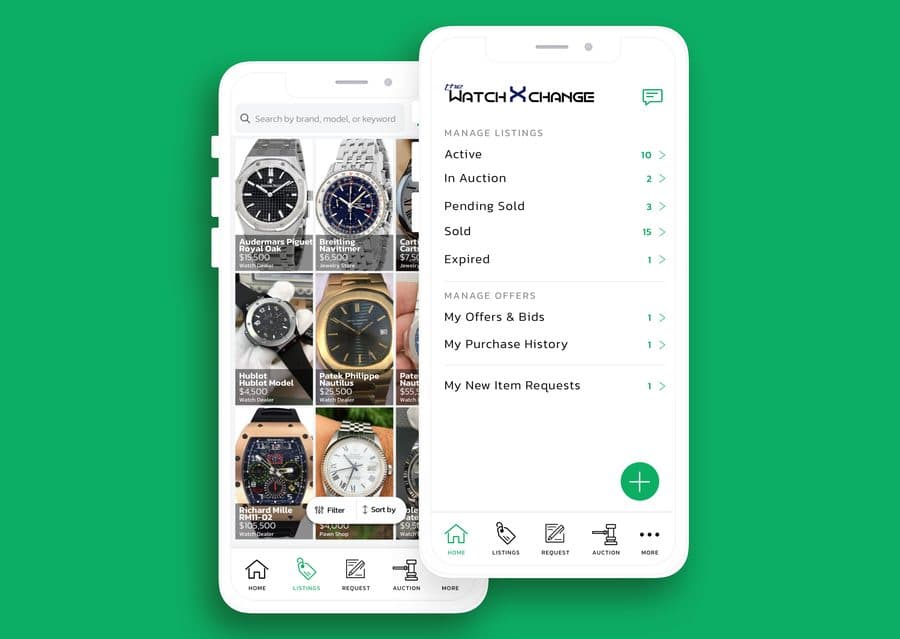
TheWatchXChange
Luxury watch marketplace. Listing management, auction flows, offer and bid tracking, dealer dashboards.
Design and development for driver, inspection, field-service, operations, and marketplace applications. Built for iOS and Android, connected to the systems behind your business, and tested against the conditions your users actually face.
No sales presentation. Start with the workflow, users, and constraints.
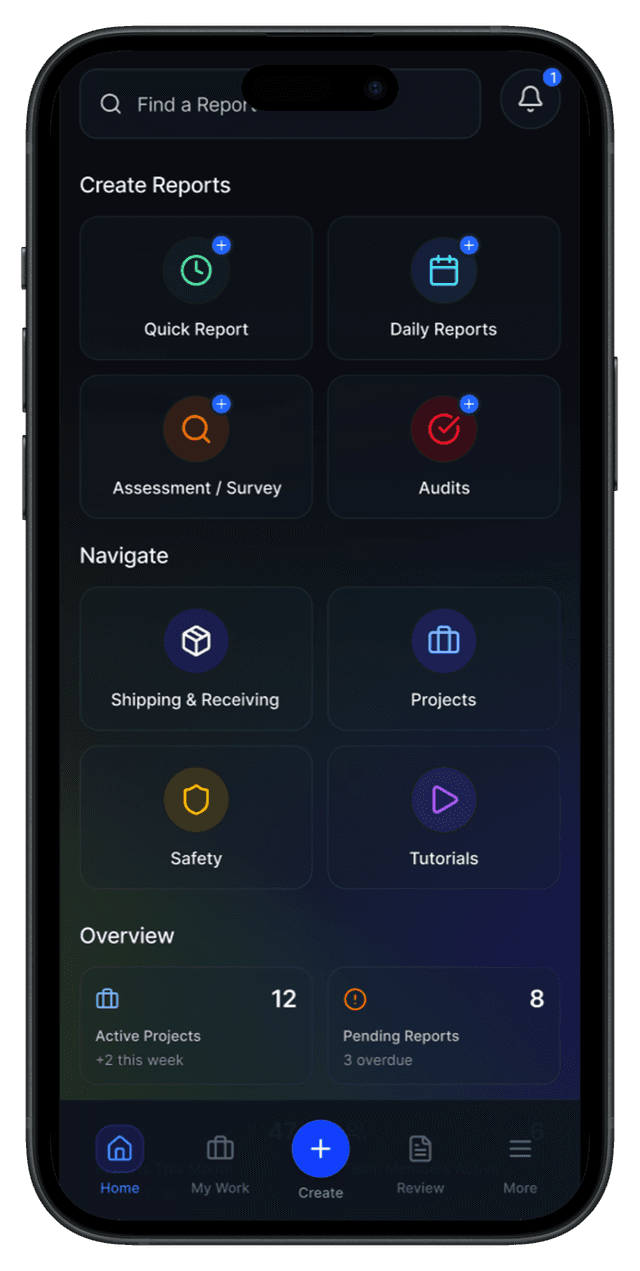
Left: DocuPaint, in production · panels illustrative, based on production work
Livestock transport, luxury watches, dating, kids’ mindfulness, workforce shifts, freight, inspections. Real products we built and shipped, not concepts.
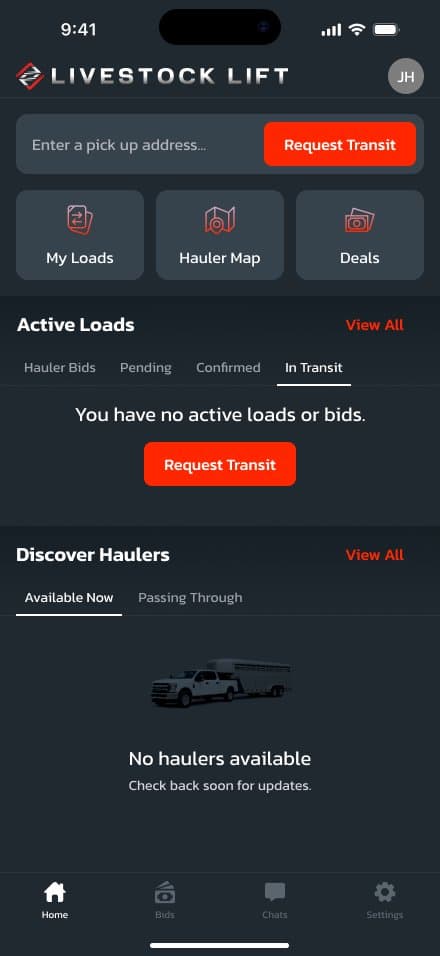
Two-sided marketplace for cattle and livestock transport. Ranchers request transit; haulers bid, route, and run the load.
Luxury watch marketplace. Listing management, auction flows, offer and bid tracking, dealer dashboards.
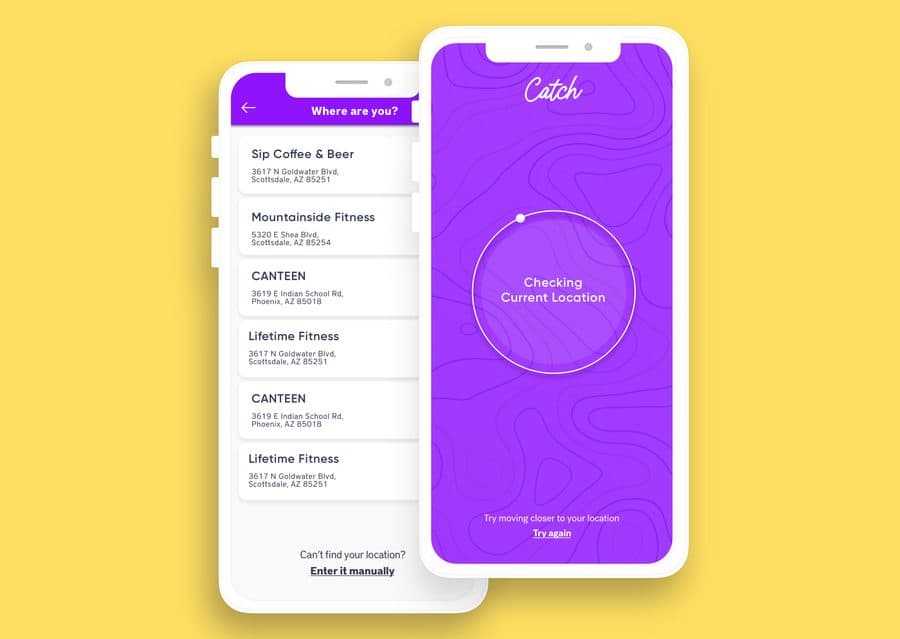
Dating app built around geographic check-ins at real venues, custom matching, and real-time chat.
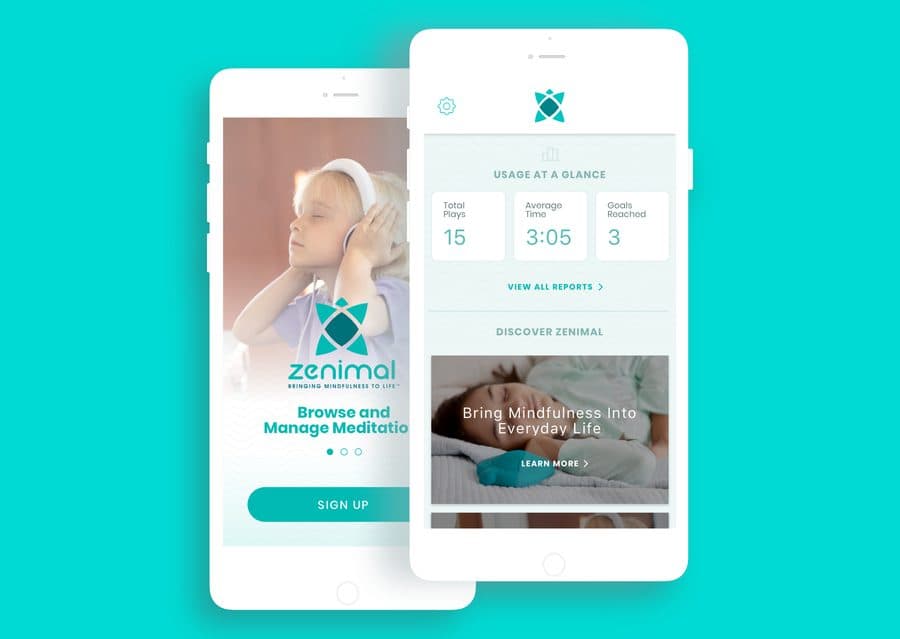
Mindfulness app for kids and families. Audio sessions, usage tracking, parental dashboards.
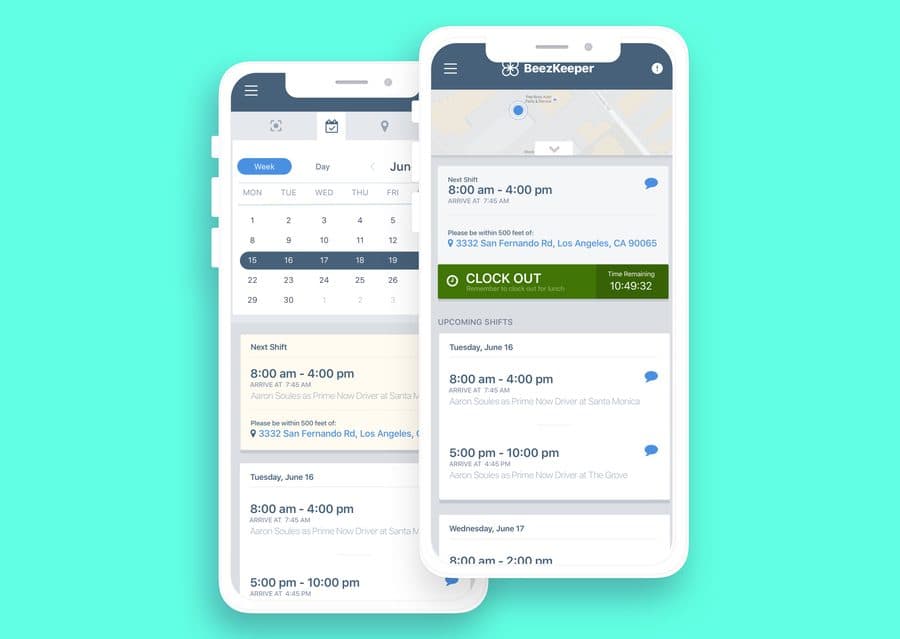
Shift management for distributed workforces. Calendar, geo-fenced clock-in and out, real-time messaging.
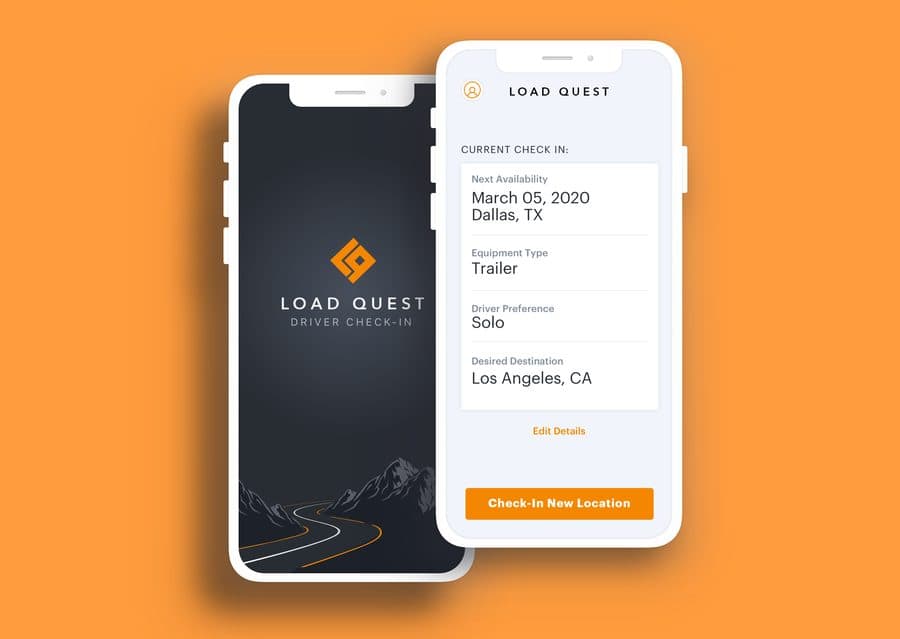
Driver app for a national freight brokerage. Load search, GPS check-in, BOL capture, live dispatch sync.
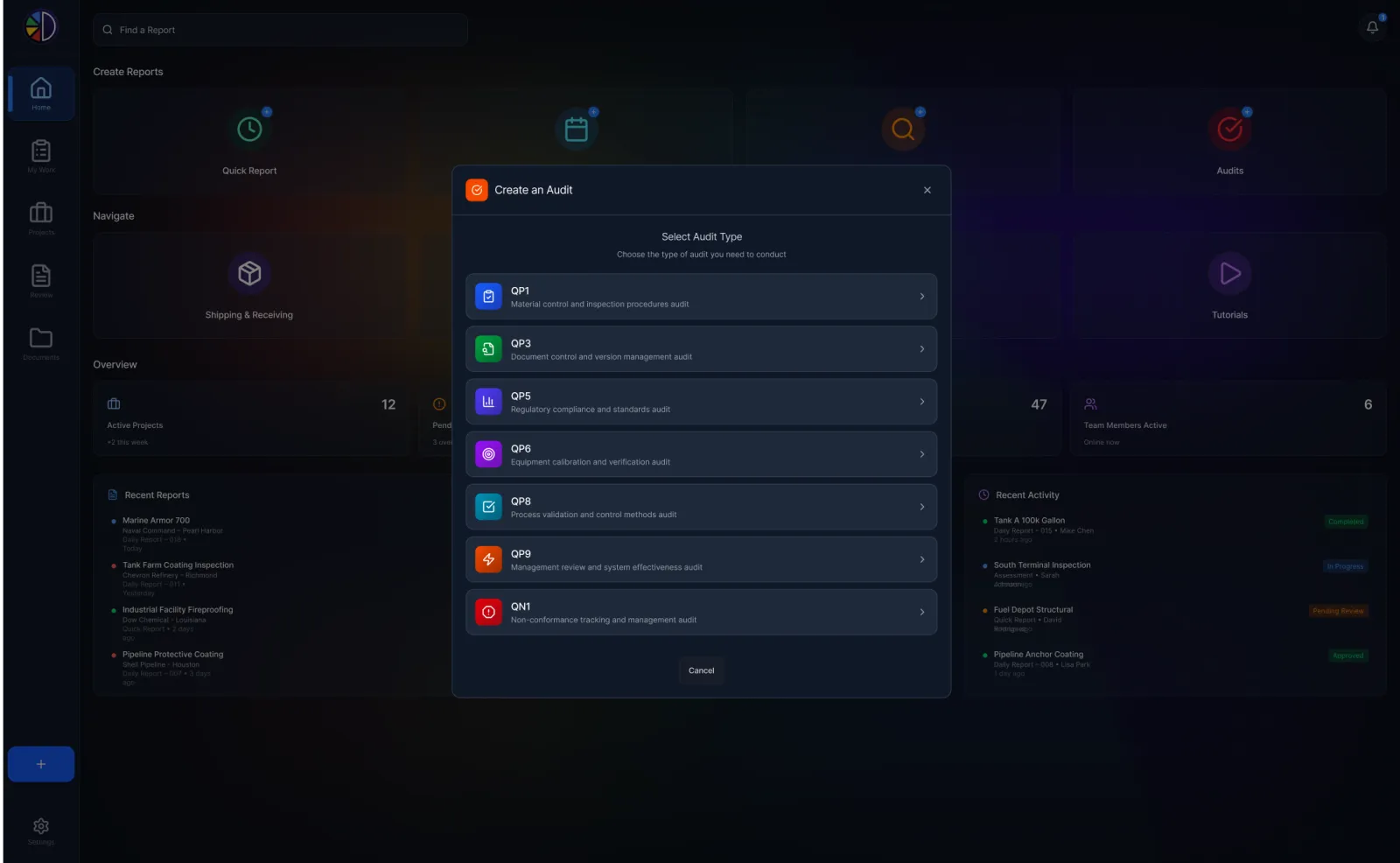
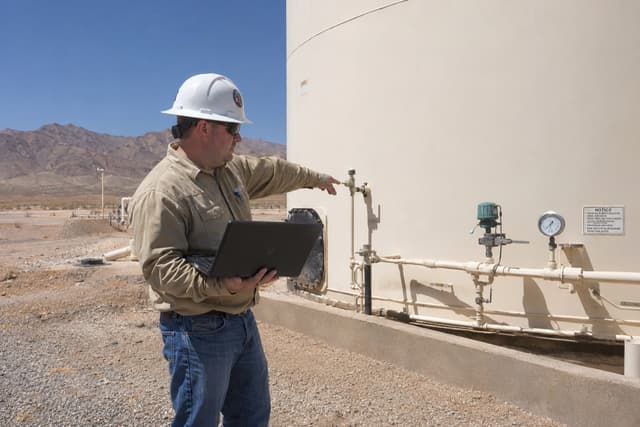
Field inspection and asset-integrity platform used by 200+ organizations. Offline-first, photo-backed.
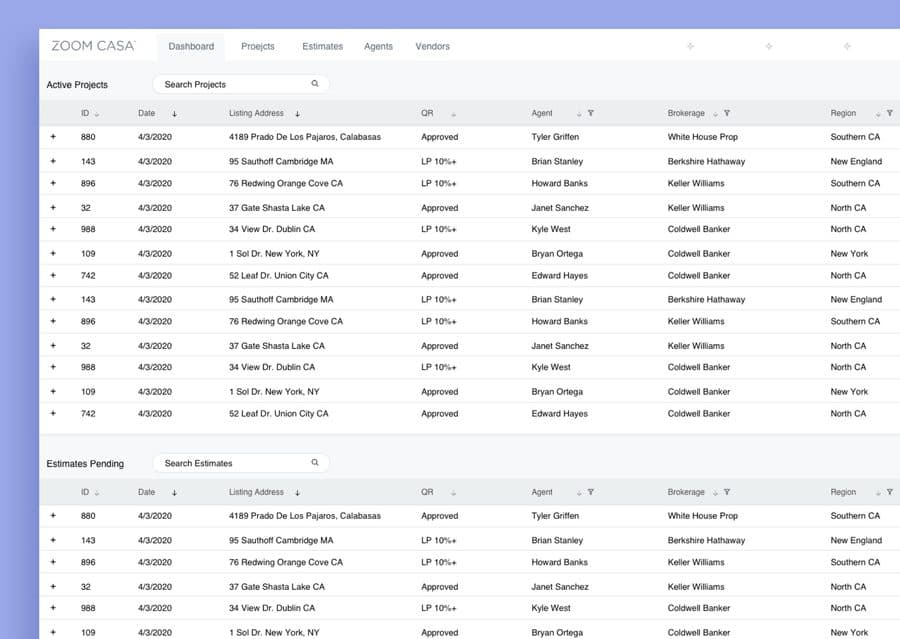
Sell-fast real estate platform. Project tracking, agent and vendor management, estimates at scale.
Working on something in this territory?
Some projects begin with an existing system that needs a better mobile experience. Others begin with a workflow still managed through calls, spreadsheets, and paper. We can start with either.
Give technicians, inspectors, drivers, and field teams a fast interface for the work happening away from a desk.
Connect mobile activity to dispatch, scheduling, inventory, accounting, or the systems coordinating the business.
Build mobile products where customers, providers, vendors, or contractors complete transactions and manage their work.
Replace an outdated, unreliable, or hard-to-maintain application without losing the workflows users depend on. Phased replacement, not a risky overnight cutover.
Photos, signatures, barcode and document scanning, and location capture treated as core product behaviors, the way our inspection and driver apps use them daily.
Take over a stalled application, stabilize production, address the backlog, and create a practical roadmap for the next release.
A mobile application can look polished in a conference room and still fail in the field. We design around interruptions, weak connectivity, bright sunlight, gloves, hurried users, incomplete data, and the systems waiting on the other side. Visual polish matters; field speed and reliability are non-negotiable.
Users continue critical work during weak or missing connectivity, with clear synchronization states when service returns.
Primary actions are easy to find, touch targets are practical, and repetitive workflows take as few steps as possible.
Saved, pending, failed, synchronized, and completed work are distinguishable without guessing.
Photos, signatures, scans, and attachments are core product behaviors, not last-minute add-ons.
Permissions, authentication, device behavior, and sensitive data are designed around the application’s actual risk.
The people coordinating the work see progress, exceptions, and incomplete actions without chasing updates manually.
React Native is often an effective way to deliver a shared iOS and Android product. Native development can be the better choice when performance, hardware access, platform-specific behavior, or an existing codebase requires it.
Around either choice: secure APIs, push notifications, offline synchronization, cloud backends, ERP and operational integrations, analytics, and automated testing.
A responsible estimate depends on the users, workflows, platforms, integrations, and the condition of any existing system. The estimator gives you an honest range and timeline in about two minutes, and no email is required to see it.
The closest match sets an honest starting range — marketplace, field service, logistics, and more.
Platforms, offline mode, payments, chat, compliance. Each answer moves the number, live.
Onshore and typical offshore side by side, with a realistic timeline. No email, no wait.
Pick the closest match. We use it to set a starting range.
Pick the closest category and the estimator sets your starting range — features, platforms, and timeline tune it from there. No email needed to see the number.
Prefer to talk it through? +1.602.815.5600Focused operational applications often begin around $50K–$110K. Connected field-service applications commonly run $80K–$160K, and multi-role products or marketplaces $120K–$220K and up. The big cost drivers are integrations, offline behavior, payments, the number of user roles, and the condition of any existing backend. The estimator on this page gives a range from three answers, before any call.
A first usable workflow is sometimes possible in about four weeks. A complete production application commonly takes 8–16 weeks, and larger multi-role platforms can run 16–30 weeks depending on scope, integrations, compliance, and app-store review cycles. We'd rather give you a working first release early than a big launch late.
Yes. React Native usually delivers both platforms from one codebase with a unified release cadence. Native Swift or Kotlin is the better call when the product leans hard on platform hardware, background behavior, or an existing native codebase. We choose per product, not per preference.
Yes, and it has to be designed in, not bolted on. We decide which data and actions users need without connectivity, store work durably on the device, queue changes, and surface clear saved, pending, and failed states so nobody wonders whether their work survived.
Usually, through APIs, databases, identity systems, and operational platforms including ERPs. Not every system has a friendly interface; part of discovery is finding out what the existing system can actually support and designing around its limits honestly.
Yes. Rescues start with a code and infrastructure assessment: what's stable, what's fragile, what the release process looks like. Then stabilization, a prioritized backlog, and staged modernization, so the application keeps working for its users while it improves.
You do. Code lives in your repository, infrastructure runs in your cloud accounts, and credentials stay in your secret store. If we ever part ways, you keep a working product and the documentation to run it.
Monitoring, crash reporting, analytics, app-store releases, and a roadmap based on how the application behaves in real use. Some clients run it themselves from the runbook; most keep us involved for improvements and support. Several of our platforms have been in production for years.
You don’t need a finished specification. Bring the current process, the users involved, and what’s not working. We’ll help identify a sensible first release and the questions that need answering.
+1.602.815.5600 · hello@sytepoint.com
Reply within one business day, from Steven or a principal engineer.
You’ll hear from someone who works on mobile products, not an automated sales sequence.